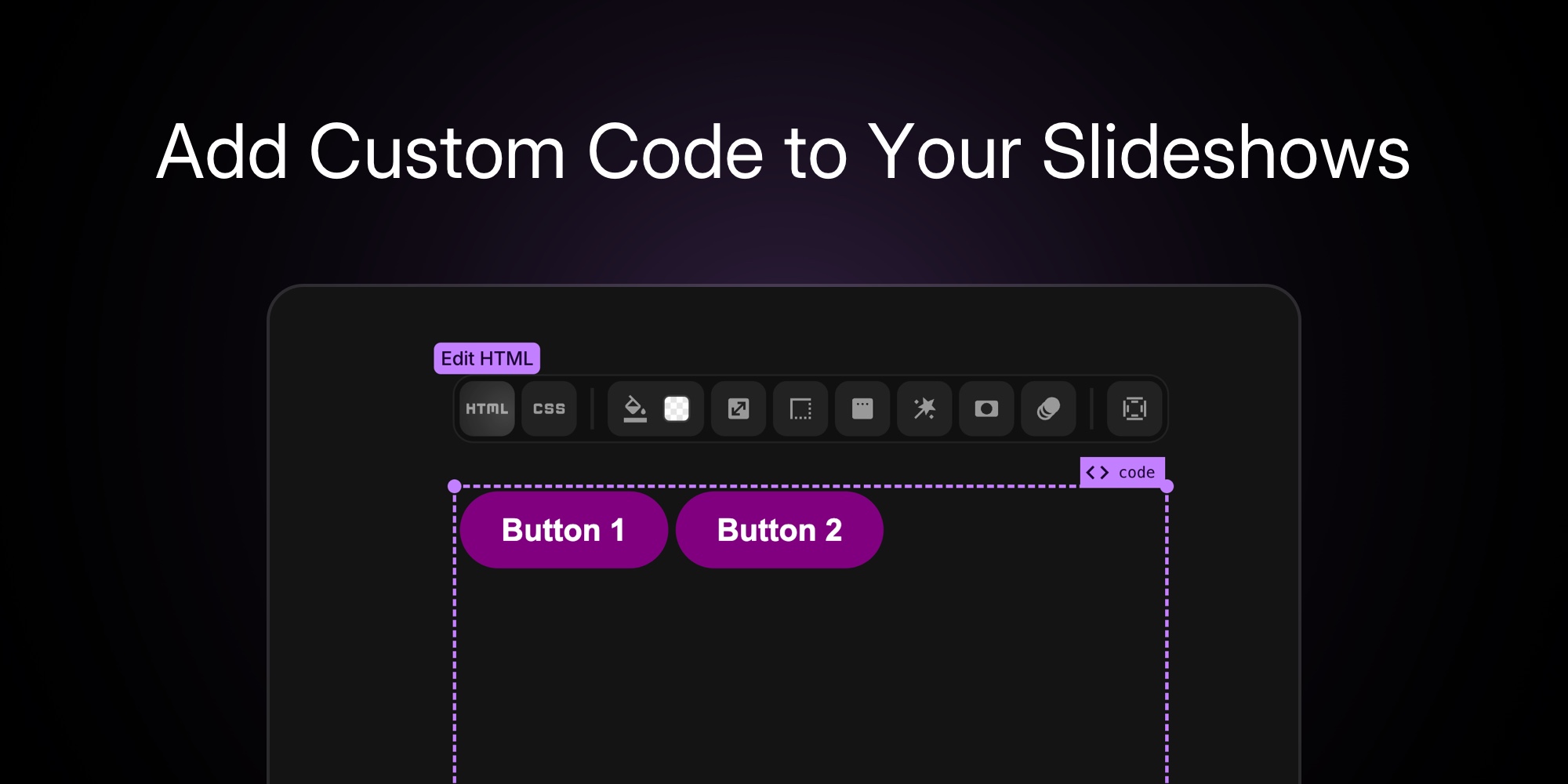
New Feature: Add Custom Code to Your Slideshows
Today we're rolling out something a lot of you have asked for: the ability to add Custom Code blocks inside any pane.
This means you're no longer limited to visual blocks. You can now embed snippets, third-party widgets, or your own handcrafted HTML + CSS directly into a slideshow.
Use it for:
- Live code snippets (like GitHub Gists)
- Embeds from YouTube, Loom, Calendly, Airtable, and more
- Small custom styles for one-off tweaks inside a pane
#Why This Is Useful
Not every project can be built with drag-and-drop alone. Sometimes you just need a widget, chart, or script from somewhere else. Custom Code makes that possible without breaking your flow.
You can:
- Pull in external content right alongside your designs
- Add interactive embeds instead of static screenshots
- Combine PaneFlow's animations with your own HTML elements
It's a simple block, but it unlocks a lot of freedom.
#How To Use It
- Open your project in PaneFlow
- Add a block and select Custom Code
- Enter your HTML (and optional CSS) in the editor
- Resize and position it like any other element
- Preview instantly inside the editor
#Works Almost Everywhere PaneFlow
Custom Code blocks are supported in almost every export and integration:
- Publish to CDN / iFrame → your code runs directly in the slideshow
- Export to HTML, React, Vue, Svelte → your code is included in the output
- Export to Video → visual embeds render into the MP4
Note: When you paste a slideshow into Webflow, Custom Code elements are included only with the iFrame option - the Layout option leaves them out. If your slideshow uses custom code, use Copy iFrame for Webflow.
Check out related posts: Publish to CDN, Export to Video.
#Available Now
The new Custom Code feature is included in all plans:
- Solo - $8/mo or $48/yr
- Team - $16/mo or $96/yr (up to 5 members)
#Try It Today
Open any project, add a Custom Code block, and drop in your favorite snippet or embed. It's the quickest way to make your slideshow do something new.
👉 Start building with Custom Code
Don't Miss What's Next
Get updates, design tips, and sneak peeks at upcoming features delivered straight to your inbox.







