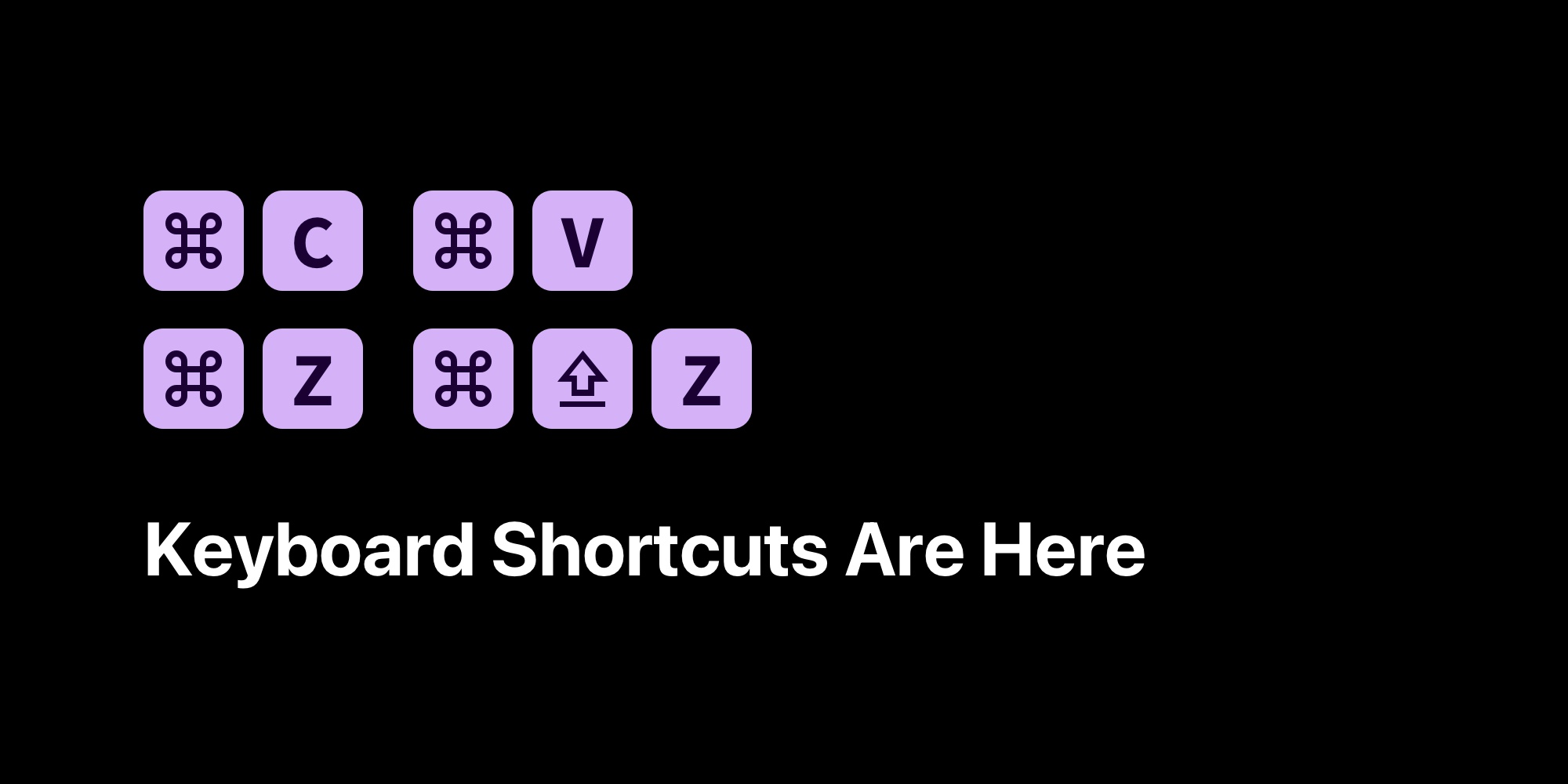
Keyboard Shortcuts Are Here!
We just made designing in PaneFlow Studio even faster and more intuitive - with full support for keyboard shortcuts!
Whether you're tweaking layout, navigating between panes, or fine-tuning styles, these shortcuts will help you stay in flow and get things done with fewer clicks.
#Here's what's available:
#Navigation
-
Switch Between Panes: CTRL, CTRL, CTRL1, CTRL2, CTRL3, etc.
-
Toggle Sidebar: CTRLE
-
Export Project Dialog: CTRLS
-
Preview Project: CTRLP
#Styling
-
Copy Style (Block/Element): CTRLC
-
Paste Style (Block/Element): CTRLV
-
Bold Text: CTRLB
-
Italic Text: CTRLI
-
Underline Text: CTRLU
-
Text Align Left: ALTL
-
Text Align Center: ALTT
-
Text Align Right: ALTR
-
Align Element(s) Left: ALTA
-
Align Horizontal Centers: ALTH
-
Align Element(s) Right: ALTD
-
Align Element(s) Top: ALTW
-
Align Vertical Centers: ALTV
-
Align Element(s) Bottom: ALTS
#Block & Element Control
-
Copy Block/Element: CTRLC
-
Paste Block/Element: CTRLV
-
Clone Element: CTRLC CTRLV
-
Delete Block/Element:
-
Add Text Element: T (when block is selected)
-
Add Image Element: I (when block is selected)
-
Edit Text: F2
-
Bring Forward / Send Backward: CTRL], CTRL[
-
Undo / Redo: CTRLZ, CTRLZ
-
Group / Ungroup: CTRLG, CTRLG
Pro tip: These shortcuts work across both blocks and their child elements - so no matter what you're editing, you'll feel fast.
We're just getting started with productivity improvements - let us know which shortcuts you'd love to see next!
👉 Try them out now at https://paneflow.com/play
Don't Miss What's Next
Get updates, design tips, and sneak peeks at upcoming features delivered straight to your inbox.







